The Assistant Library contains pre-built assistants ready to use. These assistants are designed for common legal tasks and can be used as-is or customized to fit your needs.
Using a Library Assistant
Open the library
Navigate to the Assistants section in Libra and click Libra or Team.
Find an assistant
The Team tab shows assistants shared by your colleagues. The Libra tab contains assistants pre-built by the Libra team for common legal tasks.Browse by category or search for a specific assistant that matches your task.
Start a conversation
Click Start Chat to start a conversation with the assistant. Enter your request or upload relevant documents.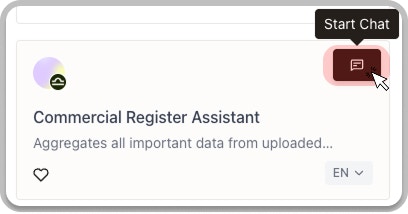
Customizing Library Assistants

If a library assistant is close to what you need but requires adjustments, you can customize it. Your customized version will be separate from the original library assistant.
Duplicate the assistant
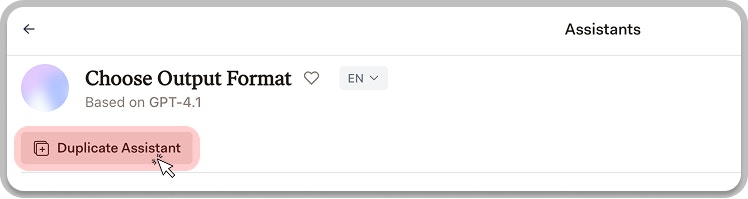
Open the assistant you want to customize and click Duplicate.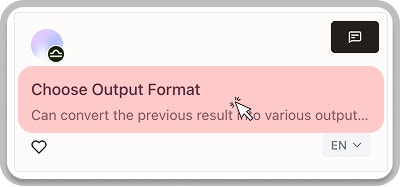
Customize and save
Modify the instructions, add documents, or adjust settings. Then save as a new personal assistant.