
NAME_1. Your original stays unchanged.
Create an anonymised copy
In a project, you start anonymisation from the document viewer toolbar. Short documents take under a minute, long ones several minutes.1
Open the document
Open a document from Project files in the document viewer.
2
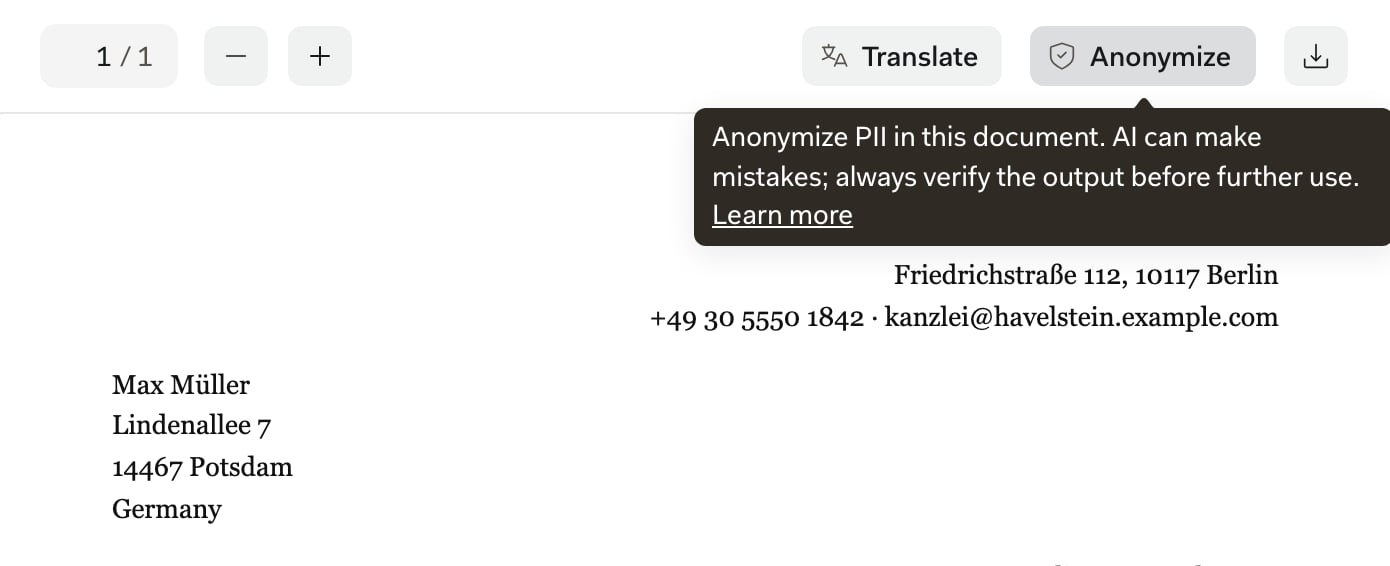
Click Anonymize
3
Review the copy
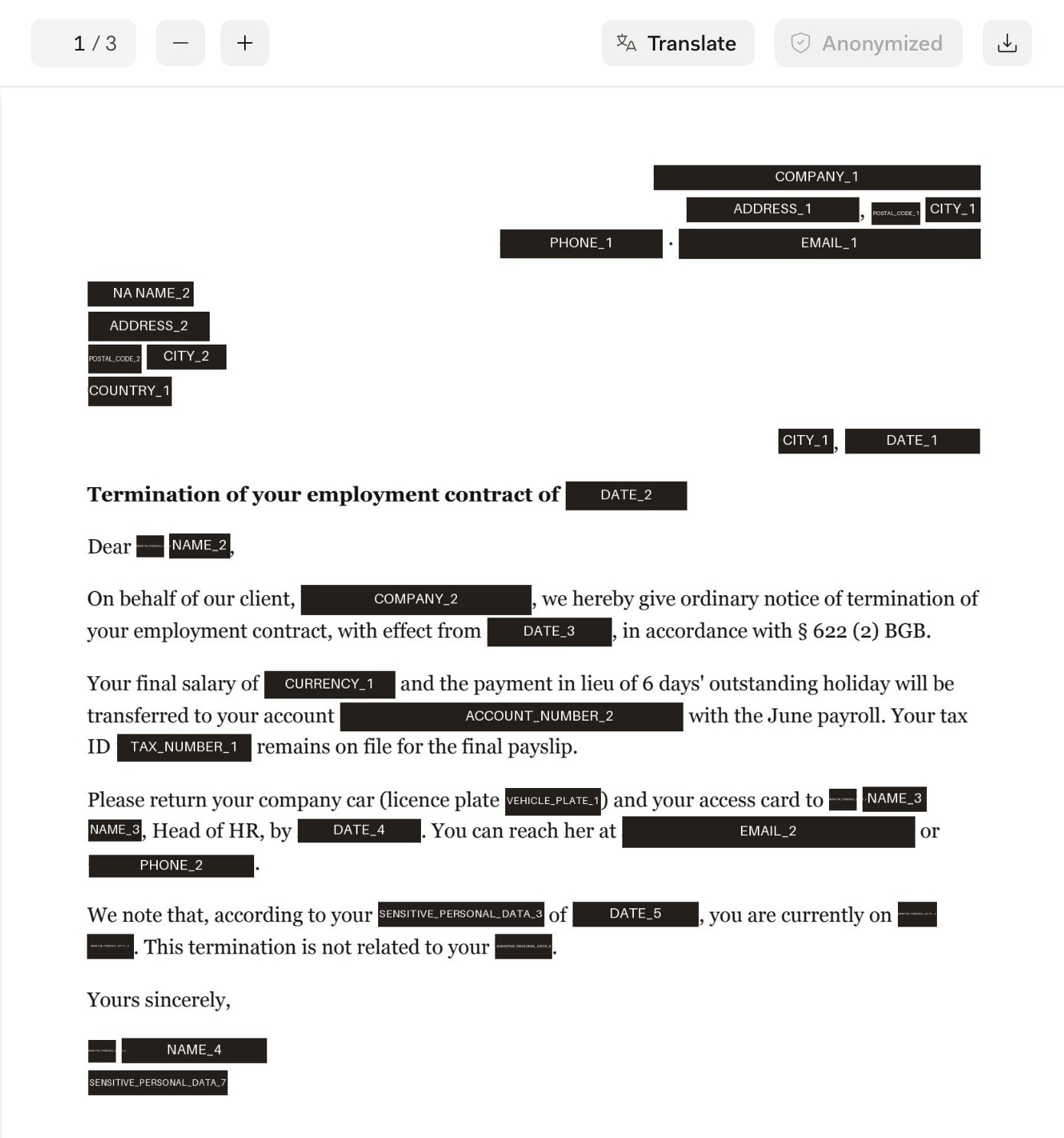
What gets covered
Each value gets a numbered placeholder, and the same value always gets the same one: every “Max Müller” becomesNAME_1, a second person NAME_2. An index page at the end lists the placeholders and how often each appears, never the original values.
Email addresses, IBANs, phone numbers and dates are also matched by fixed rules, so they’re covered even when the AI misses them.
Review the copy
You’re responsible for the copy you share. Work through it in this order:- Read every page, including headers, footers, tables and footnotes.
- Check the index page for page ranges that could not be scanned for PII. Libra didn’t check those pages, so go through them yourself.
- Take warnings seriously. If you saw Anonymization completed with warnings, review especially carefully.
- Redact what’s missing in a PDF tool. You can’t edit or approve placeholders in Libra.
- Scans and images. Libra reads only the text layer. Image-only PDFs fail, and text inside images (stamps, signatures, a photographed ID card) isn’t covered.
- Inconsistent spellings. A name split across lines, hyphenated or capitalised differently can stay visible in some places.
- Indirect identifiers. “The plaintiff’s brother”, a unique job title or a described event usually isn’t covered.
- Rare names and formats. Nicknames, initials, foreign spellings and unusual number formats are missed more often.
- Over-coverage. Case numbers that look like phone numbers, or a court’s address that matters to your case, can get covered too.
About the copy
The anonymised copy behaves differently from your other documents:- It’s an image-based PDF. You can’t select or search its text, and hidden text and file metadata don’t carry over.
- It can’t be reversed. Libra doesn’t keep which value belongs to which placeholder, so keep your original.
- There’s one copy per document. Clicking Anonymize again opens the existing copy, for you and for colleagues. You can’t re-run it.
- The index page language is the creator’s interface language at the time. Languages other than German, English, French, Italian, Spanish, Dutch, Polish, Czech, Slovak, Hungarian and Romanian get a German index page.
- It’s stored with the original, follows the same access rules and is deleted with it. To find personal data, Libra sends the document’s text to an AI model, as described in GDPR compliance.
Availability and limits
Anonymisation is on every plan, one document at a time. It works on anything that opens in the full PDF viewer (File types & previews) once processing is finished.- Projects: anyone who can open the document.
- Databases: only people who can edit the database. See Roles and limits.
- Not available for SharePoint databases, chat citations, email attachments, anonymised or translated copies, or the Word and Outlook add-ins.
Troubleshooting
Find the message you see in the left column.Next steps
File types & previews
Which formats open in the PDF viewer.
GDPR compliance
How Libra processes personal data.